Zoom into the block
The camera follows your cursor into databases, toggles and properties, then glides back out.
Notion pages are dense. Screenlark zooms into the block you are editing, follows your cursor, shows your shortcuts and adds chapters, so a lesson stays clear on a phone.
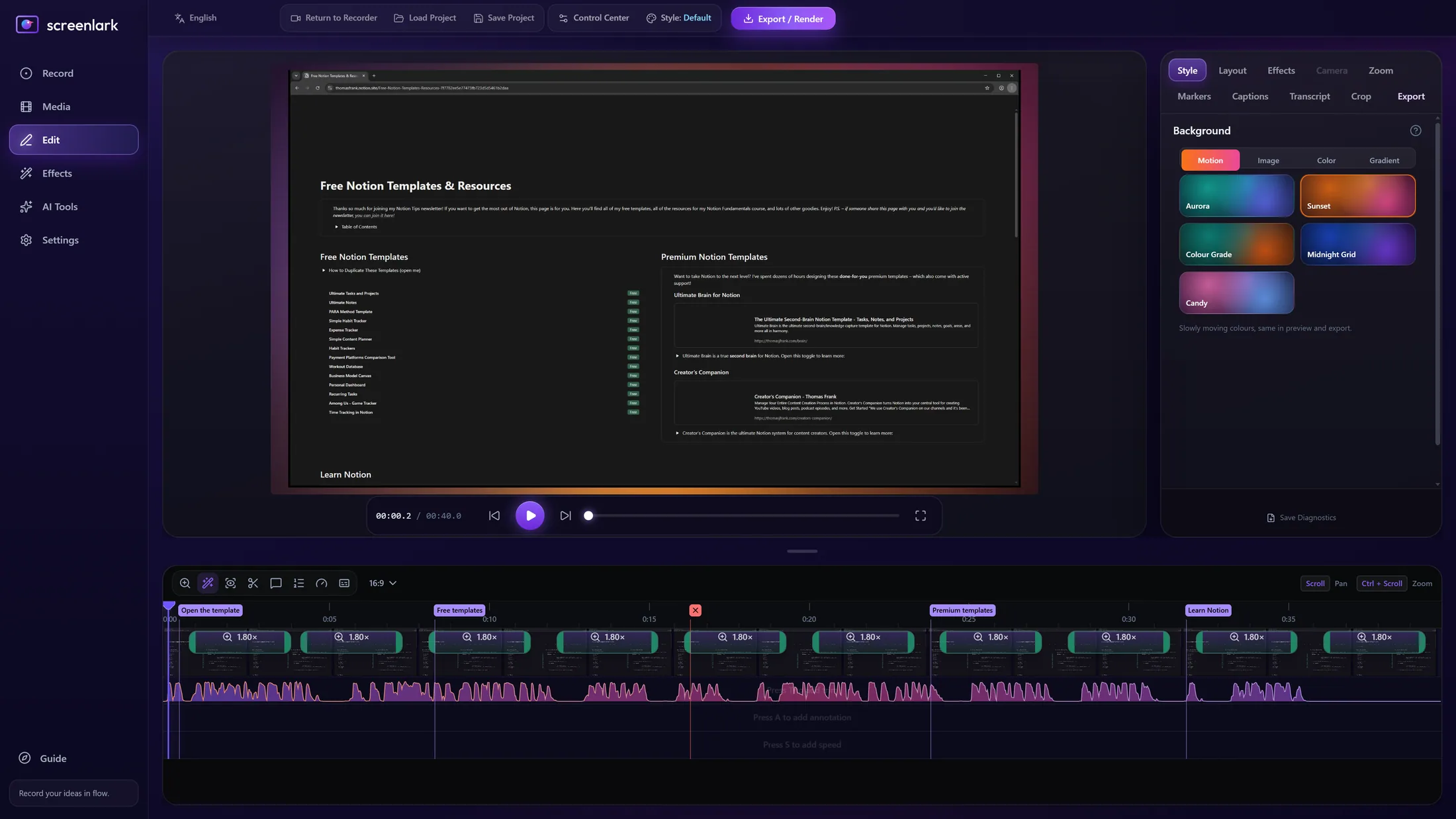
● Real Screenlark screenshot. Notion is a trademark of its owner and is shown only to demonstrate a recording.
The camera follows your cursor into databases, toggles and properties, then glides back out.
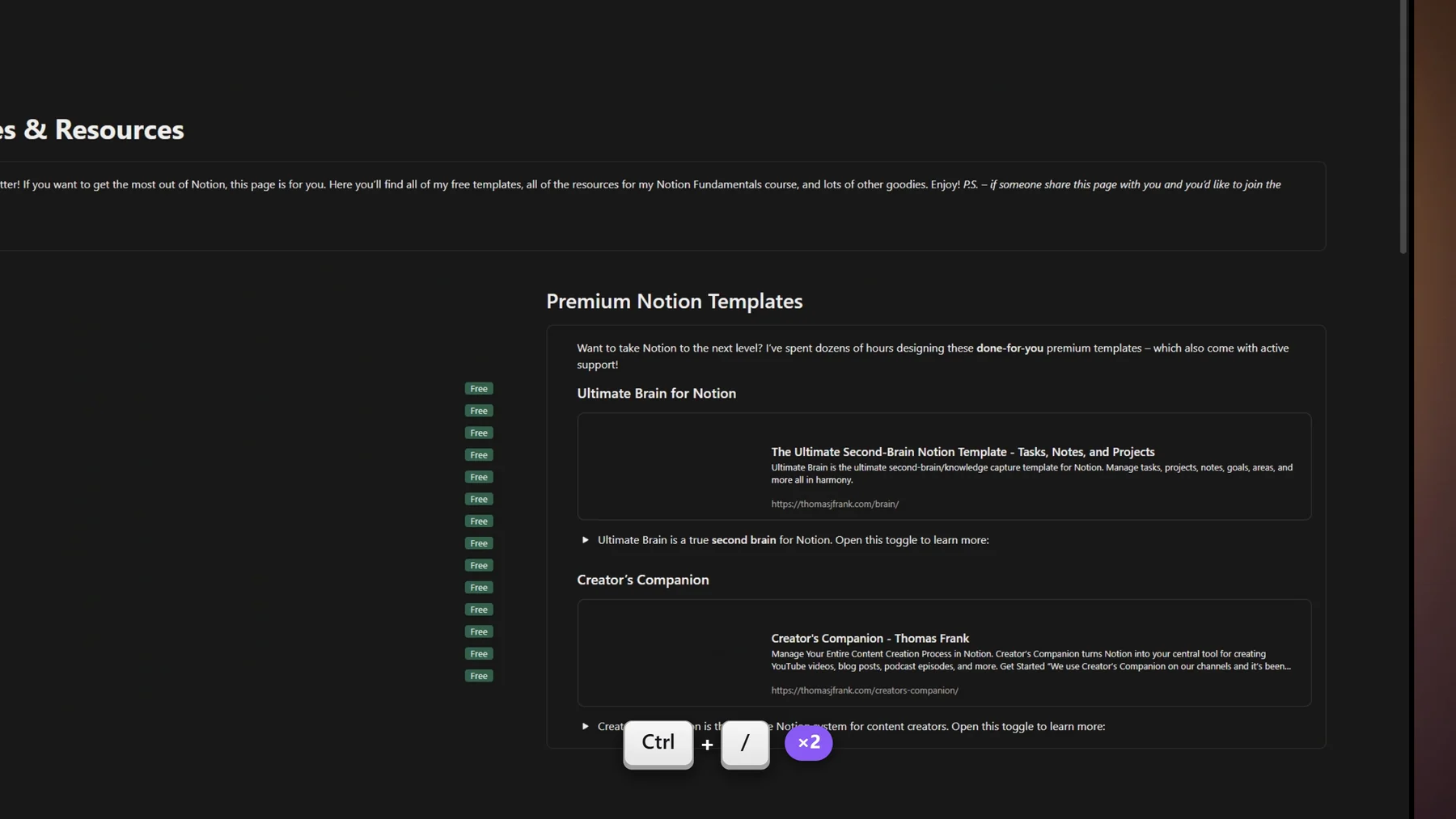
Ctrl+P, Ctrl+N, Ctrl+\ and more appear as keycaps, so students copy your workflow.
Mark each part of the lesson. Export one video per chapter with its own .srt file.
Captions are made on your PC, offline, and you can search, edit and time-shift them.
Nothing is uploaded. Typing is never saved, only shortcuts. Add an app exclusion list for sensitive windows.
Turn the lesson into steps, screenshots and a shortcuts table for students.
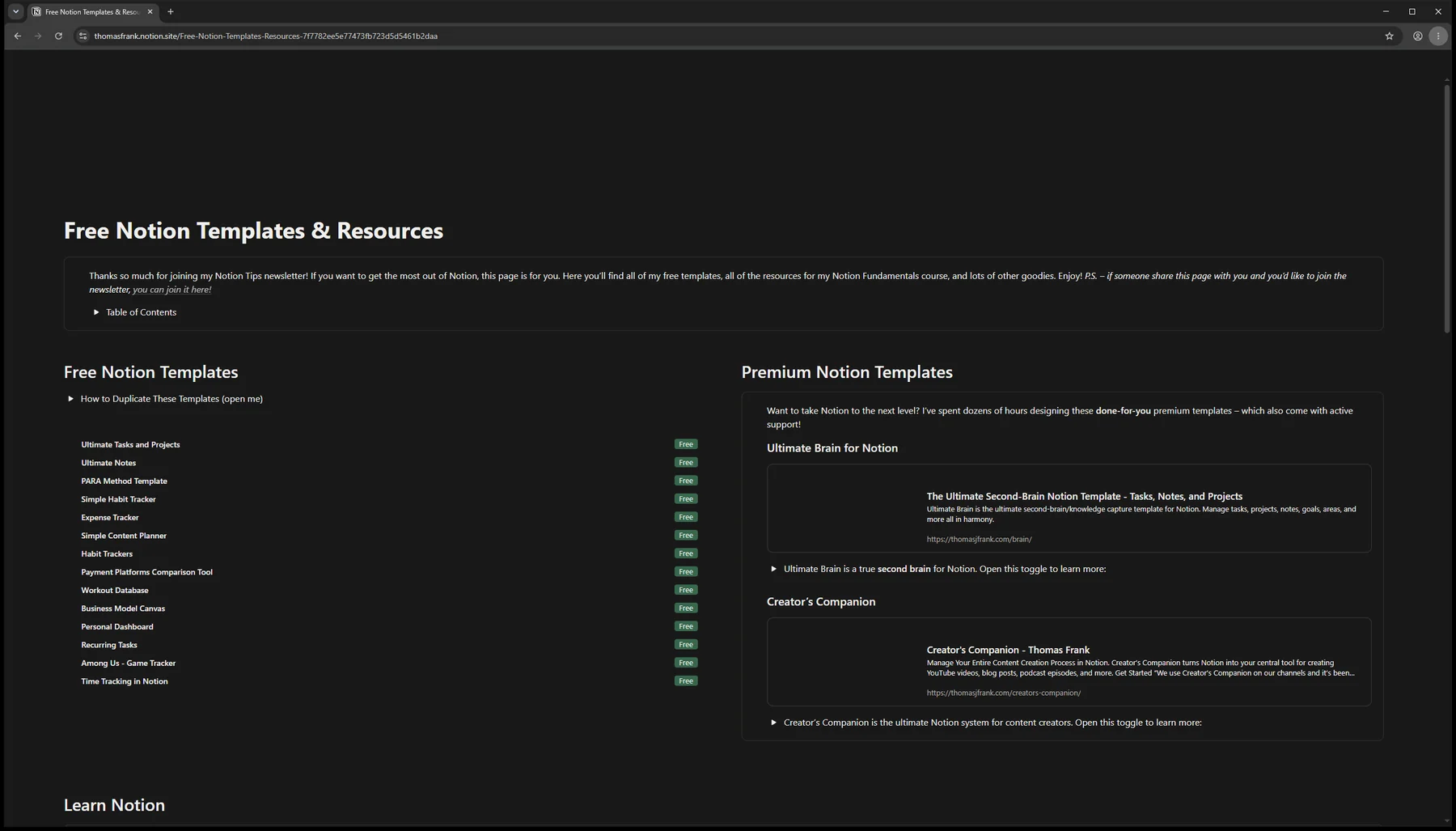
Left: the raw window recording. Right: the Screenlark export, zoomed to the click with a shortcut keycap.
 Before · rawScreenlark export
Open your Notion page, then choose “General tutorial” on the Record page.
Talk through the page. Press Ctrl+Alt+Shift+C at each new topic and Ctrl+Alt+Shift+M after a slip.
Zoom, keycaps and chapters are ready in the editor. Add captions, then export or make a 9:16 short.
Yes. Screenlark records your screen or a single window, so the desktop app, a browser tab and any other tool all work.
Record only the window you teach in, and use the app exclusion list so shortcuts from sensitive apps are never captured.
No. Captions are made on your own PC with Whisper. Only the model download uses the internet.
Join the first teachers’ beta. We will email you the installer and a short start guide.
Windows 10 / 11 · macOS soon · The email is used only for beta updates. Privacy policy