Zoom on every click
Small page text becomes readable on a phone, without you zooming the browser.
Teach any website, dashboard or web app. Screenlark zooms to each click, shows the shortcuts you press, and marks chapters and mistakes while you record.
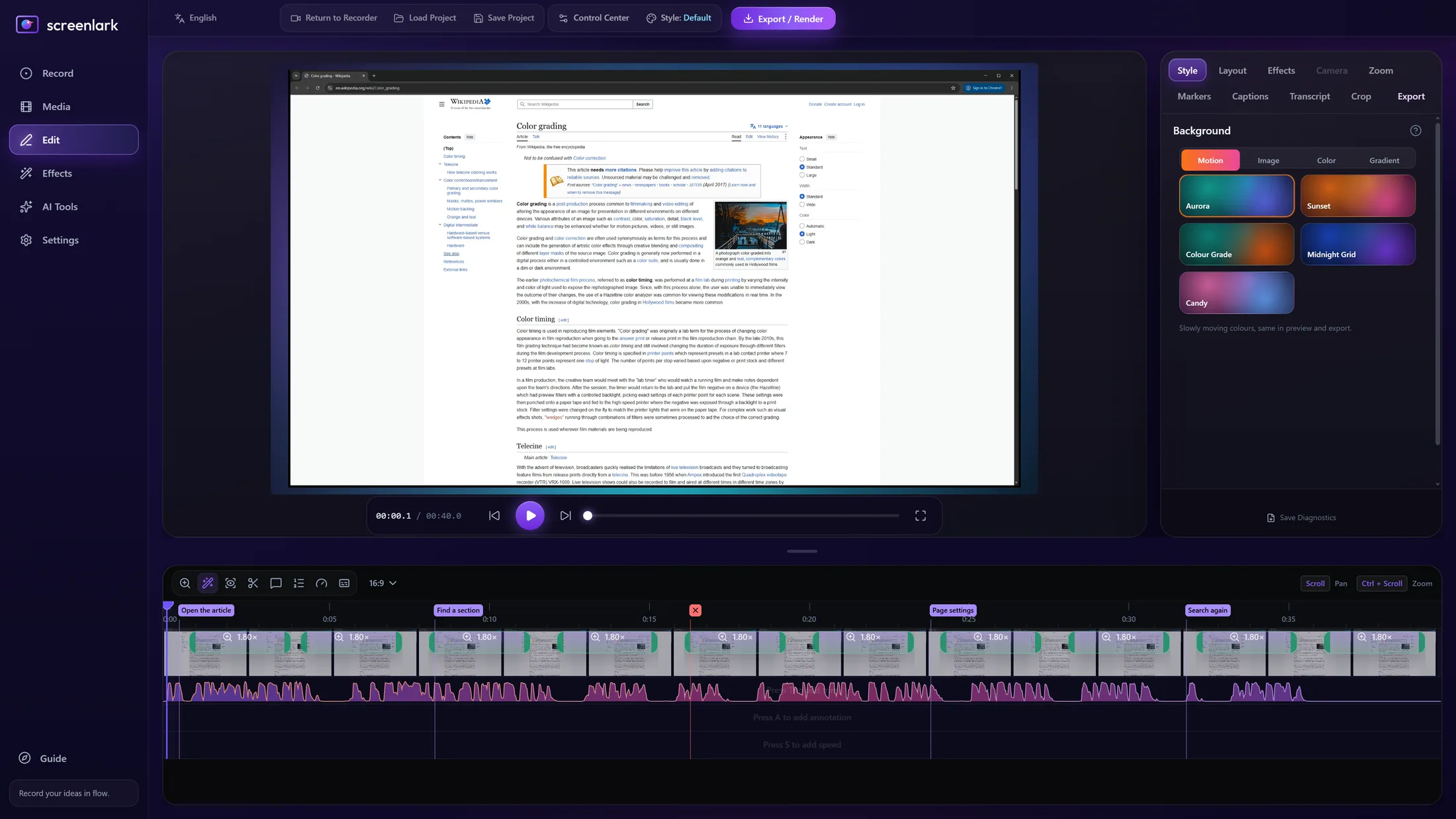
● Real Screenlark screenshot. Chrome is a trademark of its owner and is shown only to demonstrate a recording.
Small page text becomes readable on a phone, without you zooming the browser.
Ctrl+F, Ctrl+T, Ctrl+L and more appear on screen, so viewers learn the shortcut as well as the page.
Record just the Chrome window, keep your taskbar and other windows out, and export 16:9, vertical or square.
Press a hotkey after a slip. In the editor, one click removes it.
Mark a new topic while you talk. Export one video per chapter, or copy a YouTube chapter list.
Long walkthrough? If Windows updates or power drops, the recording is recovered.
Left: the raw window recording. Right: the Screenlark export, zoomed to the click with a shortcut keycap.
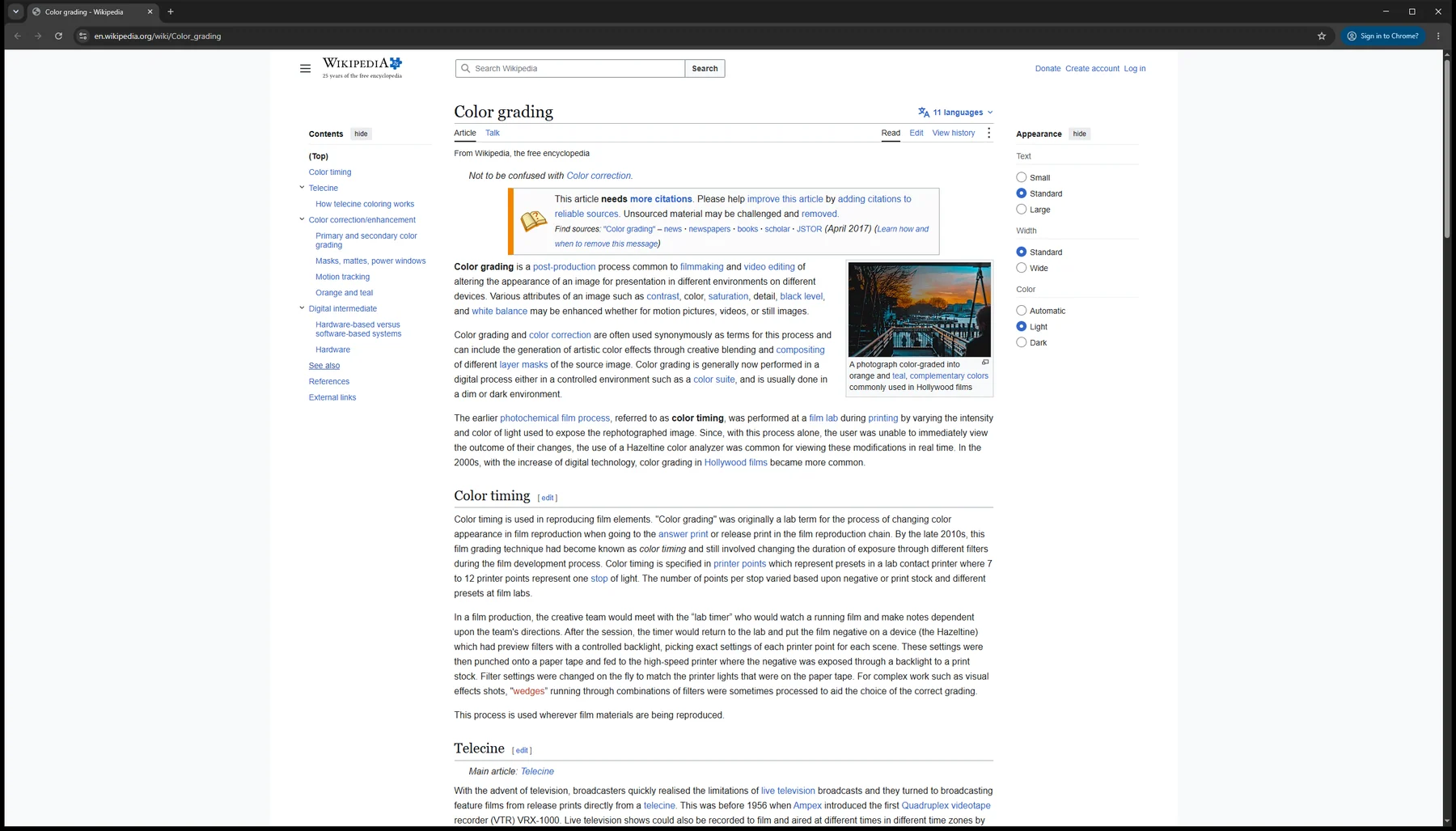
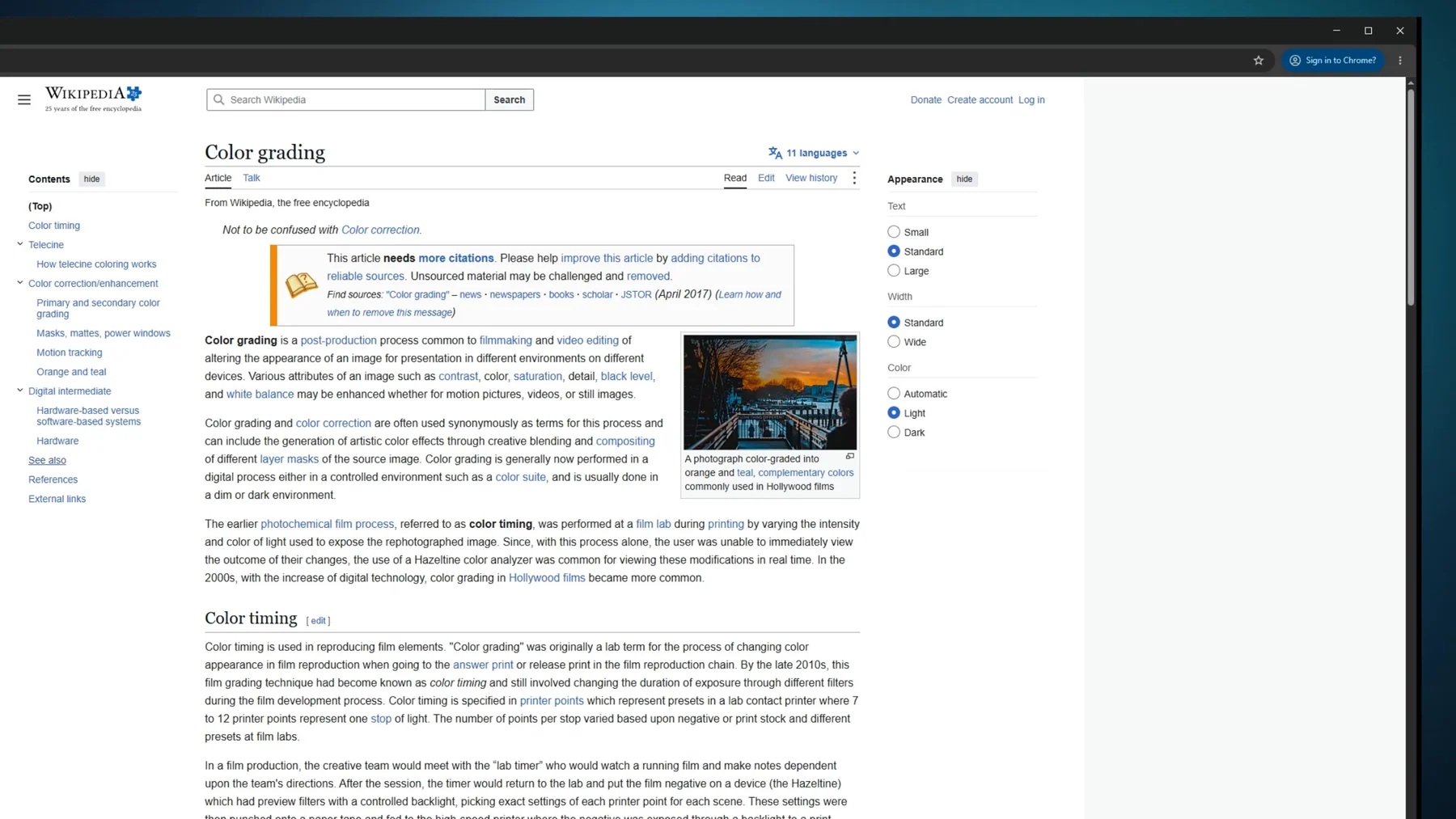 Before · rawScreenlark export
Open the page, then choose the “Website / product demo” profile on the Record page.
Click through the page. Press Ctrl+Alt+Shift+C at each new topic and Ctrl+Alt+Shift+M right after a slip.
The editor opens with zoom, keycaps and chapters already on the timeline. Export an MP4, or one video per chapter.
Yes. Screenlark records the screen or a single window, so any browser works. Shortcuts appear in any app.
No. Plain typing is never saved, so passwords and chats stay out of your video. Only shortcuts appear.
Yes. Choose Window instead of Full Screen on the Record page.
Join the first teachers’ beta. We will email you the installer and a short start guide.
Windows 10 / 11 · macOS soon · The email is used only for beta updates. Privacy policy